

Why a Solid Twitter Ads Manager Matters
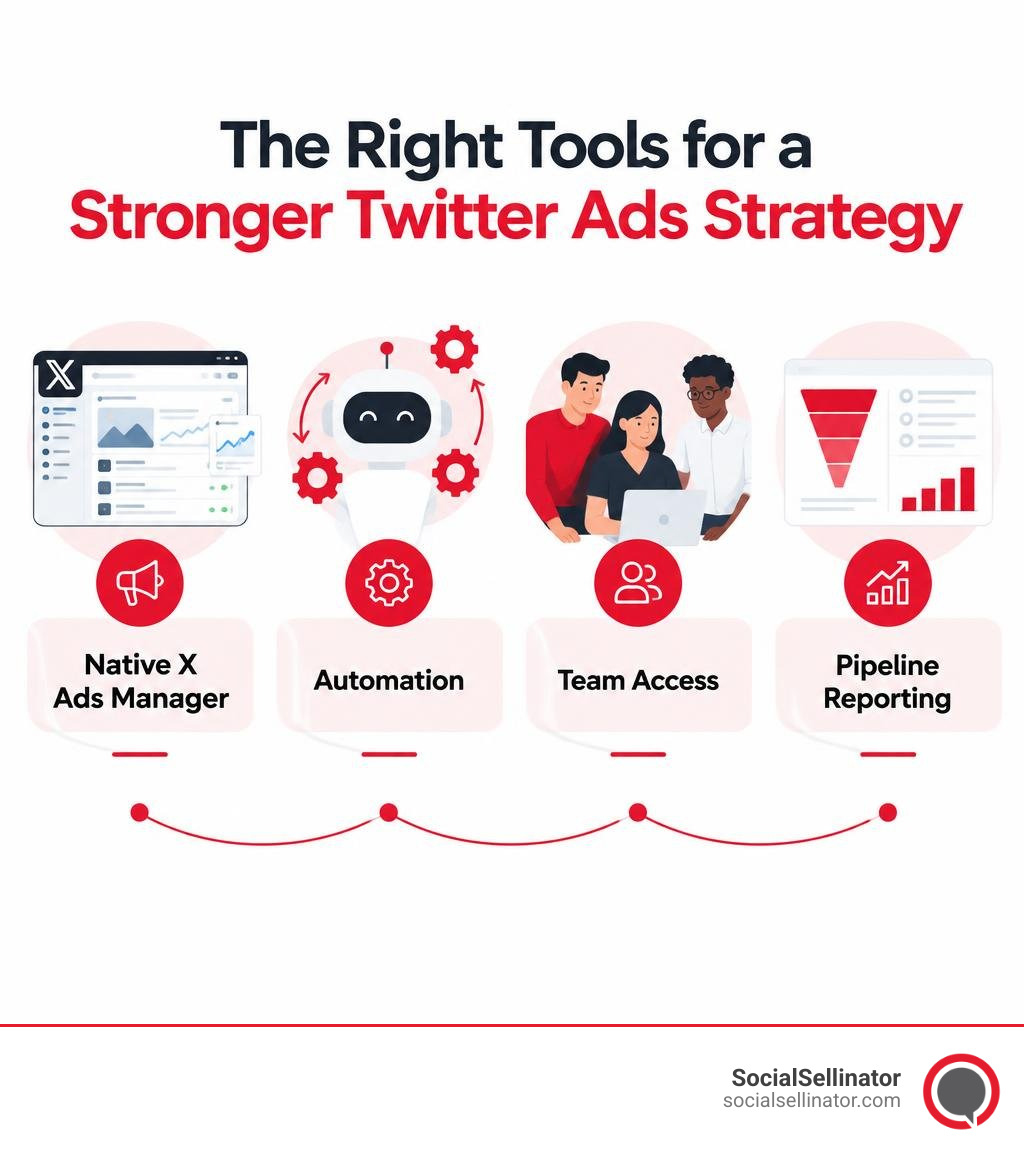
An ads twitter manager should help your team launch campaigns, control spend, manage access, and see which ads drive results. Start with X Ads Manager for those core tasks. Effective Twitter social media management ensures that paid campaigns align closely with your brand’s organic presence. If you run many campaigns, having an experienced Twitter account manager and established protocols for Twitter crisis management protects live budgets and brand reputation.
For B2B teams, the test is simple: Can you connect ad spend to qualified pipeline? X’s live conversations can help you reach people discussing topics that matter to your buyers. But clicks and engagement alone do not show whether those people became opportunities.
I’m Jock Breitwieser, and I’ll walk you through the tools and controls worth checking before you invest.
Key Takeaways
- Managing campaigns natively through X Ads Manager gives brands one place to control targeting, creative, spend, access, and reporting for X campaigns.
- X media buying is auction-driven, so advertisers should set clear budget caps, bid strategies, and conversion goals before campaigns go live.
- Integrating high-performing organic social content into paid ad groups delivers faster creative signal and protects campaign return on ad spend.
Table of Contents
- What Is an Ads Twitter Manager and How Does the Platform Work in 2026?
- Which Tools and Solutions Help You Manage Twitter Ads at Scale?
- How Do Ad Formats and Targeting Options Compare Across Campaign Goals?
- How Do You Measure, Optimize, and Scale Your Twitter Ad Spend?
- Frequently Asked Questions About Twitter Ad Management
- Conclusion
What Is an Ads Twitter Manager and How Does the Platform Work in 2026?
An ads Twitter manager is the operational hub—comprising native dashboards, bidding algorithms, and multi-user administrative settings—used to build, target, and monitor paid advertising campaigns across X. It functions on an automated second-price auction system where advertisers pay only for designated billable actions tied directly to their selected business objectives. In 2026, the engine evaluates ad delivery by calculating a dynamic Quality Score driven by resonance, creative relevance, and conversational recency.
The underlying campaign hierarchy is structured across three distinct tiers:
- Campaign Level: Governs the overarching campaign objective, flight dates, pacing schedules, and total or daily budgets. Enabling Campaign Budget Optimization (CBO) at this level allows the platform’s algorithms to dynamically distribute spend across multiple ad groups based on live conversion efficiency.
- Ad Group Level: Dictates specific audience parameters, demographic filters, geographic locations, bid strategies, device parameters, and placement choices.
- Ad Level: Houses the active creative assets, including copy variations, visual media (single images, vertical video, carousels), destination URLs, and interactive call-to-action (CTA) buttons.
Core Capabilities of the Ads Twitter Manager Interface
Accessing the native dashboard at ads.x.com unlocks centralized control over commercial promotion. When setting up an ad account, setting the operating country, timezone, and billing currency is critical because these account-level parameters are permanent and determine all subsequent financial reporting.
Inside the interface, media buyers configure daily or lifetime budget caps alongside standard or accelerated pacing. As documented by Adweek’s 2024 reporting on X’s platform revamp, the modernized Ads Manager replaces legacy workflows with streamlined navigation designed to launch multi-placement campaigns rapidly while preserving granular control over bid floors and demographic exclusions.
AI-Driven Retrieval, Ranking, and Automated Media Buying
The platform’s updated machine learning infrastructure relies on semantic understanding and natural language processing rather than rigid keyword matching alone. Contextual signals derived from real-time timeline discussions allow the ranking engine to place commercial messages into relevant conversational threads as they emerge.
Automated audience expansion evaluates real-time user behavior to discover high-intent profiles outside your initial targeting parameters.
Which Tools and Solutions Help You Manage Twitter Ads at Scale?
Managing high-volume campaigns requires evaluating whether native platform tools, third-party AI automation interfaces, or multi-user delegation systems fit your operational workflow. Teams must assess software based on API stability, execution speed, asset governance, and conversion attribution accuracy.
| Feature Category | Native X Ads Manager | Developer CLIs & AI Agents | Multi-User Delegation Tools |
|---|---|---|---|
| Primary Use Case | Self-serve campaign builds, pixel setup, and direct billing | Automated drafting, bulk updates, and terminal control | Team permission management and client access governance |
| Setup Complexity | Low; direct web browser access | Moderate; requires CLI/MCP terminal configuration | Low; managed directly via account settings |
| Safety Workflow | Direct live publishing | Draft-first human approval before publishing | Granular role-based view and edit controls |
| Best Suited For | Small-to-midsize businesses and straightforward media plans | Advanced performance buyers and multi-channel engineers | Expanding enterprise teams and cross-functional agencies |
Native X Ads Manager: Built-In Campaign Controls
The native interface at ads.x.com offers two distinct creation modes. Simple Mode guides first-time media buyers through a streamlined sequence focused on rapid post promotion, follower acquisition, or basic website traffic. Advanced Mode provides media buyers complete control over ad group structuring, custom placement selections, deep audience slicing, and granular bidding options (Automatic, Maximum Bid, or Target Cost).
Within the native dashboard, marketers deploy the X Conversion Pixel and integrate mobile measurement App SDKs. This enables direct attribution tracking across key downstream actions–such as lead submissions, product add-to-carts, or software signups–while powering custom retargeting segments.
AI Automation Tools and Developer CLIs for Power Users
For technical growth teams and engineering-led marketing departments, managing ad campaigns through command-line interfaces (CLIs) and Model Context Protocol (MCP) servers represents a major operational leap. Solutions like the AdKit X Ads CLI integration connect directly to official platform APIs, enabling marketers to prompt AI agents to draft new campaigns, scan accounts for creative fatigue, and apply bulk parameter adjustments.
A key advantage of dedicated CLI automation systems is their draft-first safety architecture. Rather than executing changes instantly against live ad spend, commands generate staging drafts inside a management console. This provides team leaders the opportunity to inspect audience parameters, creative variations, and daily spending caps before pushing updates live to the X auction network.
Multi-User Account Delegation and Access Workflows
Scaling commercial operations across internal teams or external agency partners requires strict administrative boundaries to avoid credential sharing. According to X’s 2024 business documentation on managing multi-user accounts, native account delegation supports role-based permission tiers, including:
- Account Administrator: Exercises full authority over billing profiles, user assignments, campaign launches, and payment credentials.
- Ads Manager: Authorizes team members to build, modify, pause, and optimize ad groups and creative assets without exposing financial settings.
- Campaign Analyst: Grants read-only visibility into campaign analytics, conversion performance, and delivery metrics.
- Organic Analyst: Provides analytical access solely to organic post engagement and profile performance.
- Partner Audience Manager: Permits external data partners to upload tailored CRM lists without granting broader campaign creation rights.
To manage access, administrators simply navigate to account settings, select “Edit access to the account,” input the authorized username, and assign the appropriate functional role.
How Do Ad Formats and Targeting Options Compare Across Campaign Goals?
Selecting the optimal ad format and targeting criteria depends on your commercial objective, whether that means generating broad top-of-funnel awareness, driving qualified B2B website clicks, or securing app conversions.

Choosing the Right Ad Creative and Placement
X offers several distinct ad formats designed to maximize user engagement across timeline, search, and video feeds:
- Promoted Posts (Image and Text): The foundational ad format appearing directly in the main Home timeline, profile feeds, and search result pages.
- Vertical Video Ads: Full-screen 9:16 mobile video assets that capture high attention in video feeds. According to X’s 2024 advertising guide, vertical video accounts for approximately 20% of daily time spent on the platform.
- Carousel Ads: Multi-panel cards using images or videos to guide prospects through structured product features, distinct case studies, or step-by-step value propositions.
- Dynamic Product Ads (DPA): Catalog-driven ad units that automatically show relevant inventory to users based on prior on-site browsing behavior or broader prospecting signals.
- X Amplify: Pre-roll and mid-roll video placements aligned alongside premium publisher content, ensuring brand alignment with verified sports, entertainment, and news media.
- Takeover Placements: High-impact placements, including Timeline Takeover and Trend Takeover, placing your message in highly visible timeline or Explore tab inventory for a limited campaign window.
Before pushing any ad live, follow this essential pre-launch checklist:
- Confirm that brand logos and core value propositions appear early in video assets.
- Verify that destination URLs include UTM parameters to track pipeline performance accurately in your CRM.
- Ensure copy is concise and focused on a single, clear call to action.
- Test responsive previews across both mobile (iOS/Android) and desktop timeline layouts.
- Review custom bid caps and total flight spending limits.
Precision Targeting: Handles, Keywords, and Tailored Audiences
To reach buyers efficiently, combine layered audience parameters:
- Follower Lookalikes: Reach users who mirror the behavioral patterns, interests, and engagement profiles of followers belonging to specific competitor handles or industry thought leaders.
- Conversation and Keyword Targeting: Target users actively posting, searching for, or engaging with specific topics and keywords across Broad, Phrase, and Exact match parameters.
- Tailored Audiences: Match your internal CRM data against active users or deploy remarketing lists built from website visitors and recent app events.
- Brand Safety Controls: Protect brand equity by configuring keyword exclusion lists and account-handle exclusions, alongside setting sensitivity thresholds to Standard or Limited inventory.
How Do You Measure, Optimize, and Scale Your Twitter Ad Spend?
Measuring advertising success on X requires evaluating both top-of-funnel engagement and bottom-of-funnel financial impact. While tracking platform vanity metrics like likes, retweets, and impressions matters, enterprise and mid-market organizations must tie media investments directly to qualified opportunities.
Marketers evaluate platform costs using several industry benchmarks. Accurately tracking Twitter engagement ensures you evaluate early engagement signals properly before scaling daily budgets.
Mastering Optimization in Your Ads Twitter Manager
Sustained performance requires a structured optimization loop:
- Creative Fatigue Diagnosis: If click-through rates decline while ad frequency continues to rise, replace fatigued assets with fresh copy angles and visual formats.
- Iterative A/B Testing: Test several distinct creative variants per ad group. Isolate one single variable at a time–such as headline hooks, video thumbnail styling, or CTA copy.
- Conversion-Driven Bidding: For app and transaction campaigns, optimize for downstream conversion actions rather than raw clicks.
- Daily Budget Scaling: Scale winning ad groups incrementally and wait for enough delivery data before making the next budget increase, so you maintain algorithmic stability and avoid sudden bid inflation.
Bridging Organic Engagement and Paid Amplification
The most cost-effective paid strategies do not create commercial ads in a silo. Instead, leverage your brand’s natural social momentum by implementing proven Twitter marketing strategies that identify high-performing organic content and promote it directly through Ads Manager.
When an organic post demonstrates strong social resonance, promoting that existing post ID preserves accumulated likes, replies, and reposts. This social proof improves Quality Scores in the ad auction, reduces cost per billable action, and builds authentic talkability around your enterprise solutions.
Frequently Asked Questions About Twitter Ad Management
Is Twitter Ads Manager still available now that the platform is called X?
Yes. The self-service advertising infrastructure operates under X Corp at ads.x.com. All legacy campaign structures, pixel tracking capabilities, and billing mechanisms remain active under the updated brand identity. Advertisers log in using their primary handle credentials, agree to updated platform terms, and manage commercial campaigns without interruption.
What is the recommended starting budget and cost structure for X ads in 2026?
Because X campaign budgets can be controlled at the campaign and ad group level, media buyers can start with small, capped tests before expanding spend. Expand spend only after the campaign produces enough conversion data to evaluate.
Can teams manage multiple client or brand accounts under one login?
Yes. Marketing managers and agencies can oversee multiple ad accounts without sharing individual passwords. By logging into the central Ads Manager dashboard, users click their account name in the upper-right corner and select “Switch Accounts” to navigate between assigned client profiles, each maintaining its own distinct billing profile, tax settings, and tracking pixels.
Conclusion
Scaling commercial performance through your ads Twitter manager requires balancing technical platform mastery with compelling, audience-aligned creative. By combining AI-powered contextual targeting, disciplined ad group structuring, and multi-user delegation workflows, modern brands can turn conversational engagement into a predictable growth channel.
At SocialSellinator, we help mid-market and enterprise B2B organizations bridge the gap between initial digital visibility and measurable pipeline generation. Whether you are expanding into the US market or optimizing existing paid social channels, our team provides comprehensive social media management services that connect multi-channel ad spend to real revenue opportunities.